What are "Library metrics"?
PhotoStructure displays library metrics on the Sync activity page (added in v2026.2) to show what’s in your library.
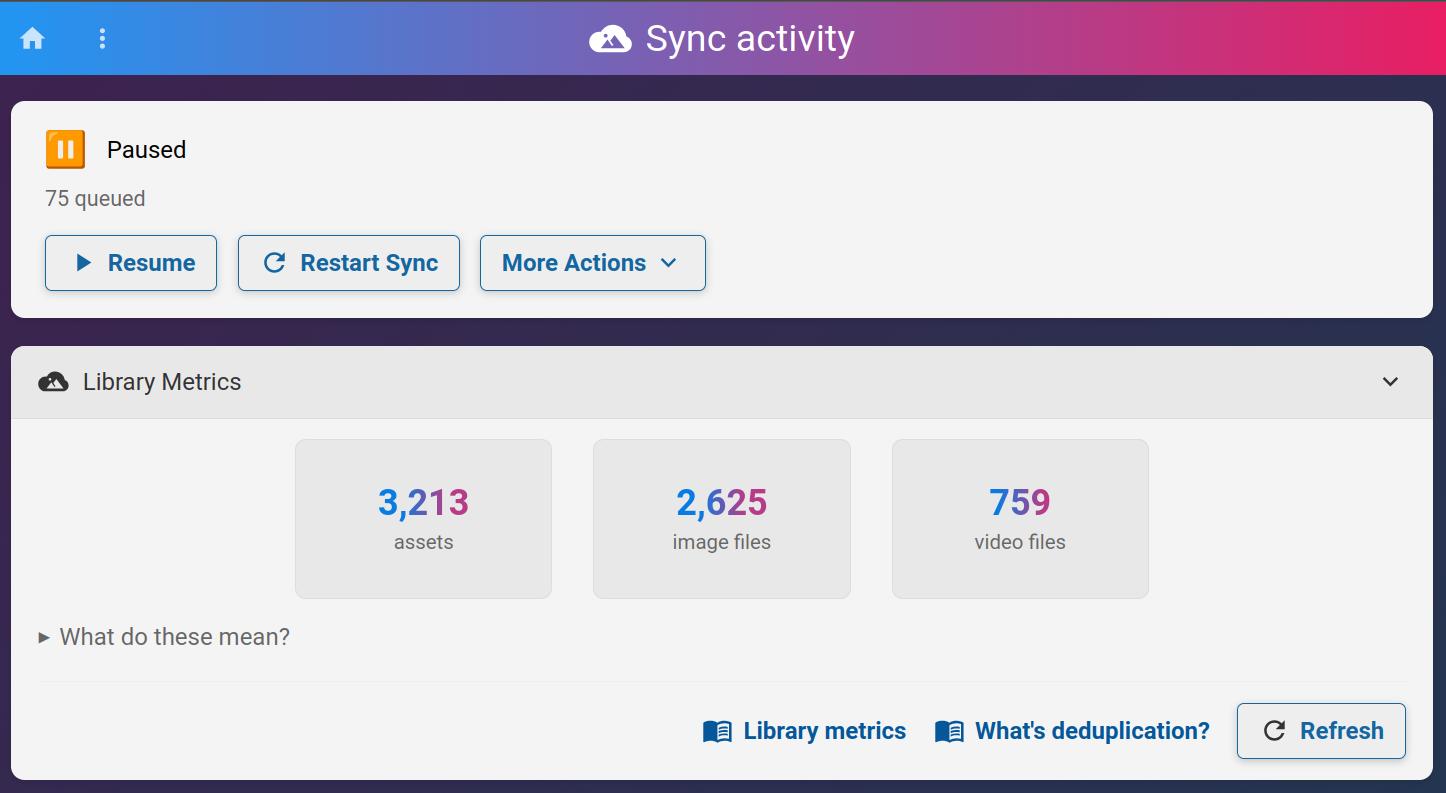
This page explains what each of these numbers represent.
📊 Assets
The assets count shows the number of unique, visible photos and videos in your library after deduplication.
This count includes photos and videos that:
- Have completed processing (synced and finalized)
- Are visible in your library browse view
This count excludes:
- Trashed or deleted items
- Excluded items
- Hidden items (manually hidden by you)
- Files still being processed
🖼️ Image files
The image files count shows how many individual image file paths your library is tracking.
This includes all image files associated with visible assets, which may include:
- Original source files from your scan directories
- Copies in your PhotoStructure library (if using automatic organization)
- Multiple versions of the same photo (RAW + JPEG, edits, etc.)
🎬 Video files
The video files count shows how many individual video file paths your library is tracking, following the same rules as image files above.
❓ Why are file counts higher than asset counts?
If you use automatic organization, expect your file counts to be roughly 2x your asset count. This is because PhotoStructure copies each unique file into your library directory while keeping track of the original source location.
Even without automatic organization, file counts can exceed asset counts due to:
- Multiple copies of the same photo in different locations
- RAW + JPEG pairs from your camera
- Edited versions alongside originals
- Backup copies PhotoStructure has discovered
