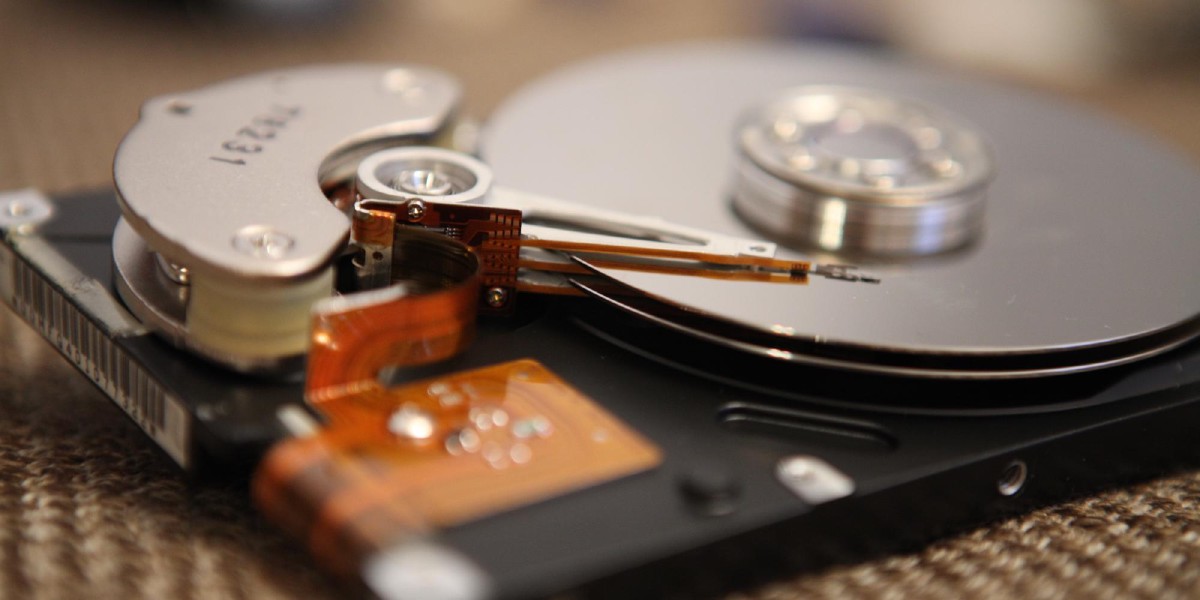
What's a "volume?"
During setup, PhotoStructure asks where to find your photos and videos. These are your scan paths. But how does PhotoStructure keep track of which drive is which, especially when drive letters and mount points can change?
That’s where volumes come in. PhotoStructure uses the word “volume” to mean any storage location available to your computer.
This includes:
- The internal storage of your laptop or desktop
- An external USB hard drive or thumb drive
- An SD card in a built-in or external card reader
- A shared network directory from your NAS, possibly spanning several physical drives in a RAID
- A Docker bind mount from a host directory into the container
A single volume may use part of one disk, or span several disks.
🐳 Docker and volumes
In Docker, your photos and videos are made available through bind mounts: host directories mapped into the container. PhotoStructure sees each bind mount as a separate volume.
A bind mount does not normally expose the host filesystem’s UUID inside the
container. PhotoStructure therefore relies on .uuid
files when no stronger identifier is available.
For example, Linux ZFS GUID queries are skipped in containers that do not have
access to /dev/zfs. See the Docker setup
guide and Docker Compose
wizard for details.
💽 Why does PhotoStructure need to know about volumes?
PhotoStructure needs a stable way to refer to your photos and videos.
Say you plug two external drives into a Mac. They mount as /Volumes/Untitled and /Volumes/Untitled 1. Reboot, and macOS may swap which drive gets which name.
Without a stable identifier, PhotoStructure would see these swapped mount points as new volumes and re-import everything, adding duplicate file records to your library’s database. The files would still be deduplicated, but larger databases consume more RAM and are slower.
This isn’t just a Mac problem: Windows can reassign drive letters, and Linux uses similar mounting heuristics.
🤔 How PhotoStructure identifies volumes
Your library needs to work across different computers and operating systems, so PhotoStructure can’t rely on drive letters or mount paths. Those values are OS-specific and can change.
PhotoStructure chooses a volume’s primary identity in this order:
- A btrfs subvolume UUID or a complete ZFS pool-and-dataset GUID
- The first valid identity in an existing
.uuidfile - An OS-level filesystem UUID, Windows volume serial, or ZFS
fsid - A random UUID that PhotoStructure writes to
.uuid, when possible
PhotoStructure also keeps other valid identities as aliases. This lets older
psfile:// paths continue to resolve after a stronger identity becomes
available.
PhotoStructure shortens the UUID into a compact ID like 3DNCoKQz4, and uses
it in your library database:
psfile://3DNCoKQz4/Pictures/image.jpg. This URI stays stable even if the
drive letter or mount point changes. See How PhotoStructure stores file
locations for psfile:, pslib:, and psnet: URI syntax
and resolution rules.
Btrfs and ZFS
Btrfs subvolumes share one filesystem UUID, so PhotoStructure also reads each subvolume’s own UUID. This keeps sibling subvolumes from being mistaken for one volume.
Linux ZFS datasets do not expose an ordinary volume UUID. PhotoStructure reads two kinds of ZFS identity:
- The ZFS dataset GUID and pool GUID form the preferred, copy-specific identity.
Reading them requires the
zfsandzpoolcommands. These queries are on by default; the advancedincludeZfsGuidssystem setting (PS_INCLUDE_ZFS_GUIDS) turns them off. fsidis quick to read and usually survives reboots, imports, and dataset renames. OpenZFS may replace it when resolving a collision, so PhotoStructure treats it as a fallback and compatibility alias.
The two GUID queries can fail independently. If PhotoStructure reads only one
GUID and it matches the corresponding part of a saved ZFS identity, the saved
identity remains usable. If the available GUID differs, PhotoStructure knows
the .uuid came from another ZFS copy. It ignores that file for the current
scan, then replaces it after both current GUIDs become available.
If neither GUID can be read, PhotoStructure has no live evidence that a saved
ZFS identity belongs to another copy. It must use the saved .uuid or another
available fallback until a GUID query succeeds.
Normal ZFS maintenance does not change the pool GUID. The explicit
zpool reguid command does. After zpool reguid, PhotoStructure treats the
pool as a different copy, so you’ll need to re-import all files.
Changing includeZfsGuids can also change a volume’s active identity, so
re-import after changing it — otherwise PhotoStructure may add duplicate file
records for that volume.
When PhotoStructure cannot write .uuid, such as on a read-only volume or a
protected system volume, it cannot save the last successful identity. If the
ZFS commands later become unavailable, paths using the ZFS GUID may remain
unresolved until those commands work again.
💔 When volume UUIDs aren’t available
Volume UUIDs aren’t always accessible. Docker bind mounts, network shares (NAS), and some cheap USB drives don’t provide them.
🪛 The .uuid file workaround
To handle these cases, PhotoStructure looks for a .uuid text file in a
volume’s root directory. The first valid line is the primary identity unless a
btrfs subvolume UUID or complete ZFS identity is available. Additional valid
lines are compatibility aliases for older psfile:// paths.
If no .uuid file or stronger identity exists, PhotoStructure tries the
OS-level filesystem UUID, Windows volume serial, or ZFS fsid. If none is
available, it generates a random UUID. PhotoStructure writes the selected
identity to .uuid when the volume root is writable.
When a stronger btrfs or ZFS identity replaces an older identity,
PhotoStructure normally preserves the old values as aliases. The exception is
a .uuid file that live ZFS metadata proves came from another pool or dataset
copy. PhotoStructure does not inherit identities from that foreign file.
If PhotoStructure doesn’t have write access to the volume root (common with Docker and NAS setups), you can create the .uuid file yourself.
✍️ How to manually add .uuid files
Set VOLUME_MOUNTPOINT to the root of the volume, then run the appropriate
command for your OS. The commands refuse to replace an existing .uuid file.
On Linux or macOS:
VOLUME_MOUNTPOINT="/path/to/volume"
if sudo test -e "$VOLUME_MOUNTPOINT/.uuid"; then
  echo ".uuid already exists; not replacing it" >&2
else
  uuidgen | sudo tee "$VOLUME_MOUNTPOINT/.uuid" >/dev/null
  sudo chmod a+r "$VOLUME_MOUNTPOINT/.uuid"
fi
On Windows (PowerShell), set $VolumeRoot to the volume’s drive letter:
$VolumeRoot = "F:\"   # change to your volume's drive letter
New-Guid | Select-Object -ExpandProperty Guid | Out-File -NoClobber -Encoding ascii -FilePath (Join-Path $VolumeRoot ".uuid")
The UUID doesn’t need to match any hardware ID. It just needs to be unique. If
a .uuid already exists, do not replace it unless you intend to change the
volume’s identity and then re-import all files.
🏗️ If you add or change a .uuid
PhotoStructure assumes active volume identities don’t change. On a volume
without a stronger btrfs or ZFS identity, adding or modifying .uuid changes
that identity. Open System activity, choose More actions, then select
Re-import all files. PhotoStructure Desktop also offers Rebuild library
(slow) in the application menu.
You can request the re-import while an import is running. PhotoStructure will restart the sync process and schedule the re-import. See library syncing vs. rebuilds for more details.
🦄 UUIDs must be unique!
If you clone a disk with a .uuid file, write a new .uuid on the clone before
PhotoStructure scans it. PhotoStructure can distinguish pools created by
zpool split when it can read their live ZFS GUIDs. However, an older .uuid
file may contain only a manually assigned identity that predates ZFS GUID
support. Replace that file on the new pool before scanning both copies. Shared
legacy identities can make old paths ambiguous.
Your photos and videos won’t be altered, but your library database will only reflect the last-scanned volume.
😐 Volume UUIDs don’t fix everything
Volume UUIDs prevent duplicates when the same directory is mounted at different paths or on different computers. But they can’t help if you mount a subdirectory of a volume separately.
For example, a NAS might expose both \\server\home and \\server\homes\username, which point to the same directory. PhotoStructure will import both, doubling your asset file count (though the assets themselves are still deduplicated). See “Library Metrics” for more details.
🙅 Disabling .uuid writing
PhotoStructure won’t write .uuid files to volumes with a NoMedia file or folder in their root directory.
To disable .uuid writing entirely, set the environment variable PS_WRITE_VOLUME_UUID_FILES=false or the system setting writeVolumeUuidFiles=false.
